Maximize Terminal Productivity: Zsh, Oh My Zsh, and Useful CLI Tools
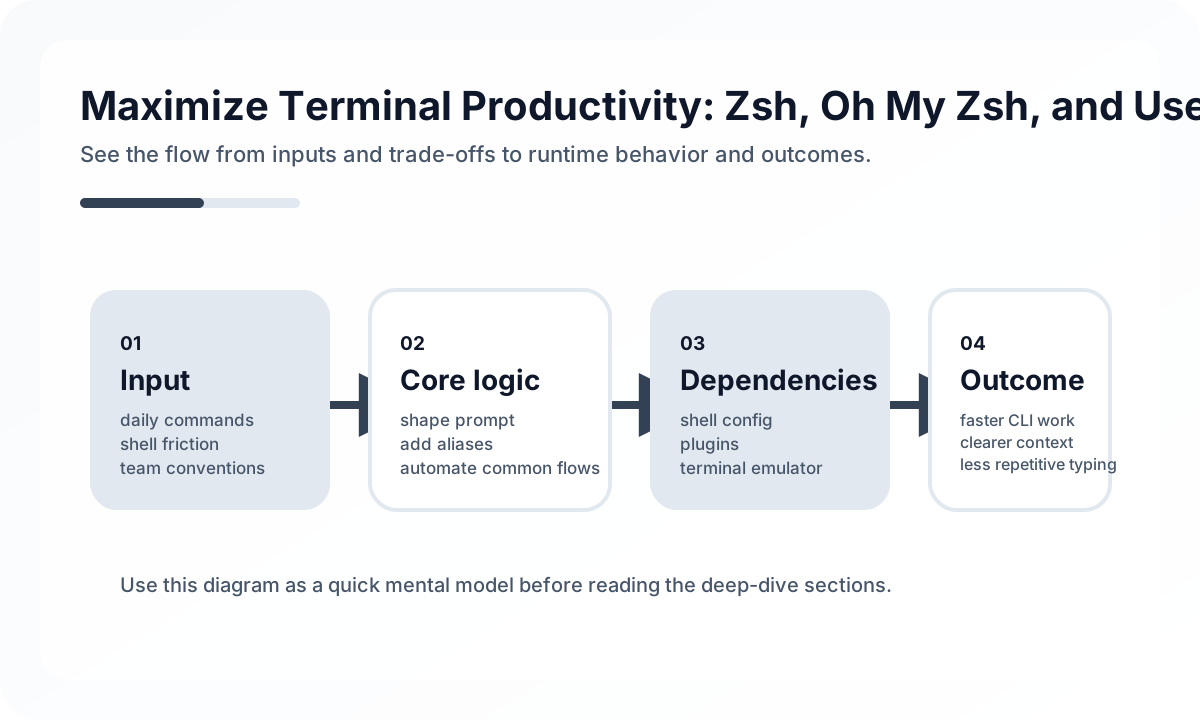
The shell becomes valuable when it makes frequent work faster without becoming a private maze no one else can understand.
A Good Shell Setup Optimizes for Repetition
The shell is where many tiny operations accumulate:
- navigating repositories
- searching files and text
- inspecting logs
- switching branches
- running builds or test commands
Small friction repeated hundreds of times matters more than dramatic one-off customization.
Distinguish Aliases, Functions, and Real Scripts
One of the most important shell-design habits is knowing what belongs where.
- aliases: short replacements for simple commands
- shell functions: small interactive helpers
- scripts: repeatable team workflows that should live in the repository
Example:
workmain() {
  git checkout main &&
  git pull --ff-only &&
  pnpm install
}
This distinction prevents the shell from becoming a dumping ground for project automation that should really be version-controlled.
Plugin Restraint Is a Productivity Feature
A rich shell ecosystem makes it easy to keep adding plugins and themes. That usually introduces:
- slower shell startup
- harder debugging when prompts break
- unclear ownership over behavior
- more machine-specific differences
A restrained setup tends to age better. Fast startup and predictable interaction matter more than decorative density.
Better CLI Tools Often Matter More Than Shell Cosmetics
Some of the largest gains come from replacing weak defaults:
rginstead of slower recursive text searchfdinstead of more verbose file findingbatfor readable file inspectionfzffor fuzzy selection
These tools improve flow because they reduce the cost of common terminal work directly.
Keep Project State Out of Global Shell Configuration
A common mistake is mixing repository-specific environment logic into global shell files. That creates hidden coupling and makes troubleshooting much harder.
Stronger practice:
- keep general shell defaults global
- keep project-specific commands in repository scripts
- use environment loading explicitly when needed
This keeps the shell portable and the project reproducible.
Common Failure Modes
- endless alias growth with no responsibility boundaries
- slow plugin stacks kept only for aesthetics
- project behavior hidden in personal dotfiles
- shell startup errors that only one engineer can fix
- productivity tweaks that cannot be explained or shared
The best shell setups are not the most customized. They are the most dependable.
Team Checklist
- Are aliases, functions, and scripts clearly separated by purpose?
- Is shell startup fast enough to remain invisible?
- Are project workflows stored in the repository instead of private dotfiles?
- Are better CLI search and inspection tools being used consistently?
- Can the setup be understood without relying on one person’s shell lore?
Closing Judgment
The terminal is a workbench, not a trophy case. A strong Zsh setup reduces repeated effort, stays fast, and keeps project logic where the team can actually share it. Productivity compounds when shell behavior is predictable enough to disappear into the background.
Continue Reading
Related posts
Practical Engineering Notebook Habits
Development that depends only on memory creates repeat cost. This guide explains how engineers and teams can use notebooks as workflow tools.
🔧 ToolsEssential IntelliJ IDEA Shortcuts and Productivity Tips
A practical guide to IntelliJ IDEA productivity through navigation, safe refactoring, debugging flow, and team-level IDE habits rather than shortcut memorization alone.
📚 IT StoriesWhy Developers Fell in Love with the CLI
Even in an age of polished GUIs, developers keep returning to the terminal. This story explains why the CLI became a cultural center of engineering.
🚀 DevOpsKubernetes Advanced Operations — HPA, Resource Management, and Pod Scheduling
This article explains Kubernetes operations not as a collection of settings but from the perspective of resource placement and resilience. It covers when and how to use requests/limits, HPA, affinity, taints, PDBs, and probes in real environments.
Next Path