Git Branching Strategy: Git Flow vs GitHub Flow vs Trunk-Based
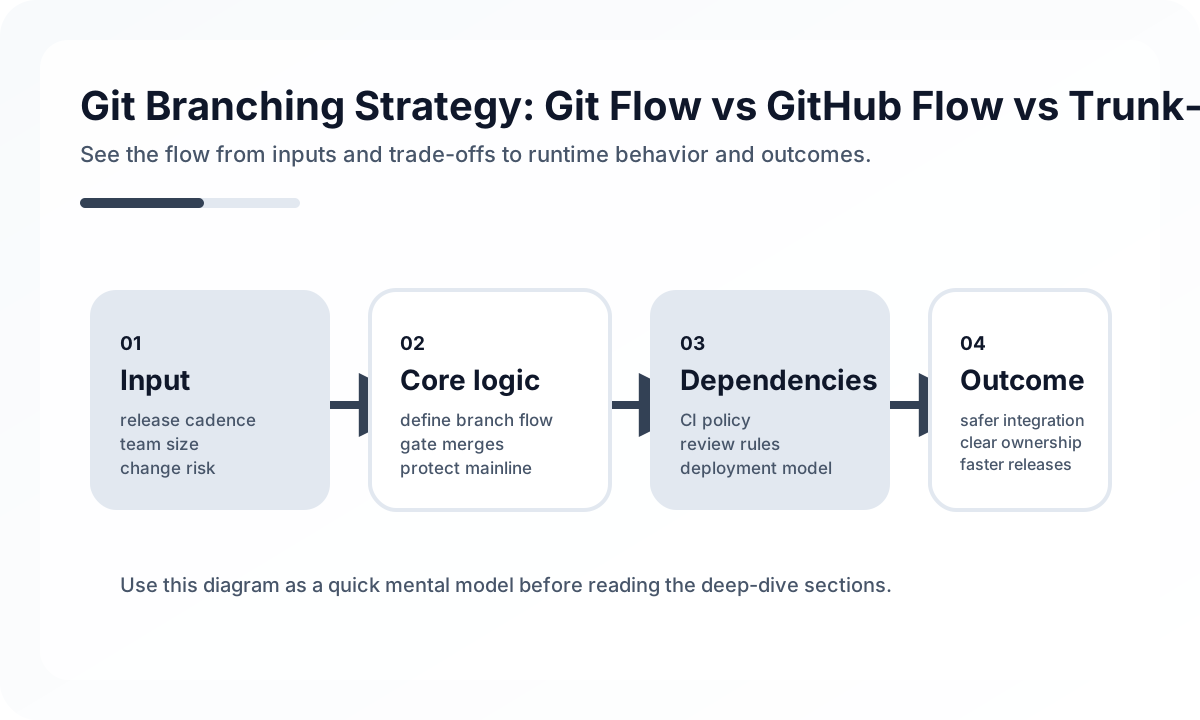
That is why the right question is not “Which branching model is best?” but “Which model creates the least operational friction for the way this team ships software?”
What Branch Strategy Actually Controls
Branch strategy influences much more than merge shape.
- how long code stays unreleased
- how often merge conflicts accumulate
- how confidently hotfixes can be applied
- how much the team depends on release branches or feature flags
- whether CI validates reality or only validates a side path
If a team picks a model that does not match its release habits, Git becomes a storage system for process debt.
Start with Release Style, Not Git Preference
Teams often debate Git models before agreeing on release style. That usually reverses cause and effect.
Ask first:
- Do we release continuously or on a calendar?
- Do we need to support multiple production versions?
- Can incomplete work safely live behind feature flags?
- Is CI fast and trustworthy enough to protect
main? - How often do urgent hotfixes happen?
These answers narrow the strategy choice more than any Git diagram does.
GitHub Flow Works When Release and Mainline Are Close
GitHub Flow is a strong default when the team ships often and wants low ceremony.
Typical shape:
feature branch -> PR -> main -> deployThis works well when:
- feature branches are short-lived
mainstays deployable- CI is reliable
- release branches are rare or unnecessary
- unfinished work can be hidden with flags
The strength of GitHub Flow is simplicity. The risk is that teams adopt the branch shape without building the deployment discipline behind it.
Git Flow Fits Scheduled Releases, but It Is Expensive
Git Flow introduces more explicit structure:
mainfor releasesdevelopfor ongoing integration- feature branches
- release branches
- hotfix branches
This can help teams that ship on a fixed schedule, maintain multiple versions, or need a heavily staged release process. But it also raises cost:
- integration happens later
- merge conflicts live longer
- hotfixes must be merged back carefully
- people can lose track of what is actually production-ready
Git Flow is not wrong. It is just expensive enough that teams should adopt it only when they truly need release-line management.
Trunk-Based Development Optimizes for Fast Integration
Trunk-based development keeps everyone close to a shared mainline. Branches are tiny and short-lived, and integration happens quickly.
This is powerful when:
- CI is strong and fast
- the team values low merge friction
- feature flags are available
- changes can be sliced small
The main benefit is not ideology. It is reduced integration risk. Problems surface earlier because they are not allowed to sit in private branches for days.
The tradeoff is maturity. Teams that cannot keep tests stable or hide incomplete work safely often struggle with trunk-based development at first.
A Practical Way to Choose
A simple selection guide:
- Choose GitHub Flow if you deploy often and want a lightweight process.
- Choose Git Flow if you have scheduled releases and real need for release branch management.
- Choose trunk-based development if CI is strong, changes are small, and fast integration matters most.
In many modern product teams, GitHub Flow with feature flags ends up being the most practical middle ground.
Feature Flags Matter More Than People Expect
Many branching debates are really release-control debates in disguise.
If a team can hide unfinished work with flags:
- long-lived branches become less necessary
- release branches become less frequent
- integration can happen earlier
Without feature flags, teams often compensate by keeping changes isolated in branches for too long, which simply moves risk later in time.
Hotfix Design Separates Real Strategies from Decorative Ones
Every branch strategy should answer one question clearly:
How do we patch production in an hour without creating a second problem?
If the hotfix path exists only in documentation, the strategy is weaker than it looks. A real hotfix process should define:
- where the fix starts
- which branch receives it first
- how it gets back into the normal development line
- how patch releases are tagged and audited
This matters far more than whether the branch names look clean.
Common Failure Modes
The same mistakes appear repeatedly:
- using long-lived feature branches as a substitute for feature flags
- keeping
developpermanently unstable - treating
mainas sacred while doing real work elsewhere - having a hotfix path no one has rehearsed
- letting release branches become semi-permanent maintenance lines by accident
A branch model fails when it stops matching real team behavior.
Team Checklist
Before standardizing a model, verify:
- Can a new engineer understand the default path in one sitting?
- Is the hotfix path explicit and tested?
- Does CI validate the branch that actually matters most?
- Can the team release incomplete work safely when needed?
- Are merge conflicts being reduced, or merely postponed?
Closing Judgment
Branch strategy should reduce operational ambiguity, not increase it. The best strategy is usually the minimum one that fits release rhythm, hotfix needs, and CI maturity. In many teams, complexity enters Git because complexity was never solved in release engineering. Git should not carry that burden alone.
Continue Reading
Related posts
Docker Desktop Practical Guide for Managing Development Environments
A practical guide to using Docker Desktop as a local development standard through Compose, volume strategy, resource tuning, Dev Containers, and onboarding design.
🔧 ToolsCode Review Checklist for Engineering Teams
A practical review checklist that keeps code review focused on risk, behavior, and maintainability instead of style-only comments.
🚀 DevOpsKubernetes Advanced Operations — HPA, Resource Management, and Pod Scheduling
This article explains Kubernetes operations not as a collection of settings but from the perspective of resource placement and resilience. It covers when and how to use requests/limits, HPA, affinity, taints, PDBs, and probes in real environments.
🚀 DevOpsControlling Preview Environment Costs
Preview environments accelerate feedback, but without lifecycle rules they can quickly become an expensive form of shadow production.
Next Path