SwiftUI for Beginners: Building iOS Apps with Declarative UI
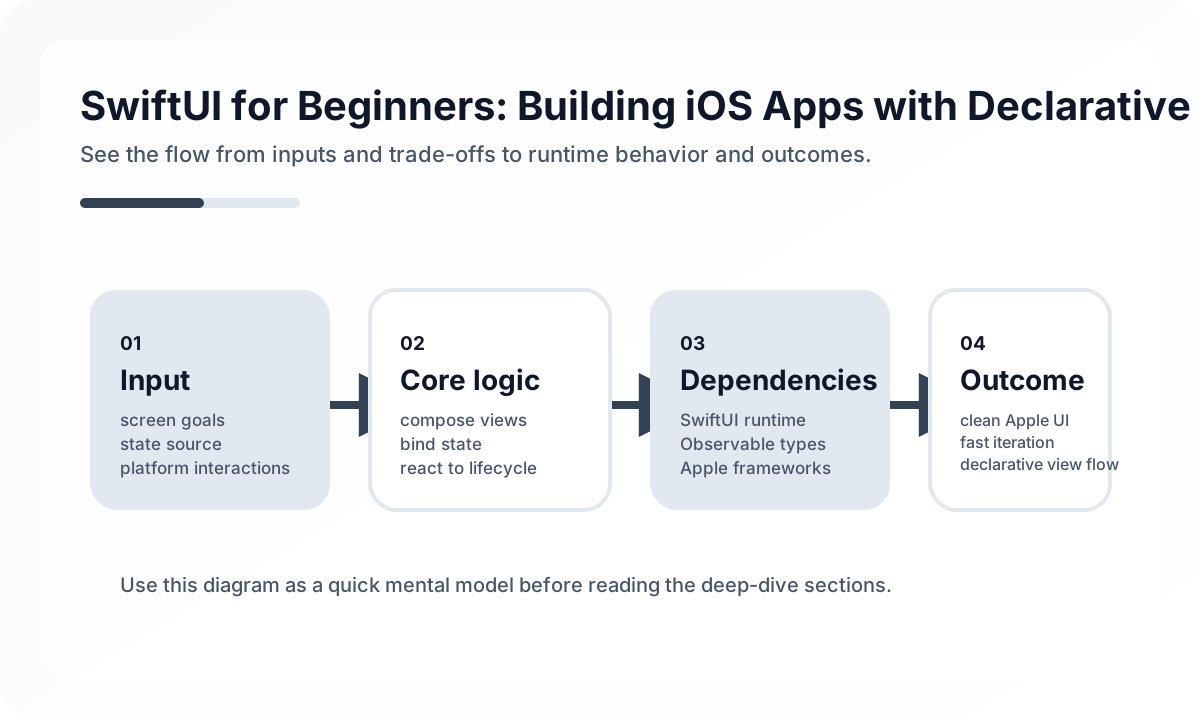
The Core Mental Model
SwiftUI views are lightweight descriptions of UI, not long-lived objects you mutate directly. State changes cause the system to recompute the visible result. Once that clicks, many confusing beginner issues become easier to reason about.
The first practical lesson is keeping these roles distinct:
@Statefor view-local mutable data@Bindingfor passing controlled mutation downward- observable models for shared or asynchronous screen state
When those roles blur, screens become unpredictable.
Build Screens Around Stable State Contracts
Production SwiftUI screens are easier to maintain when they receive a stable state object and emit user intent through clear actions. That keeps networking, persistence, and navigation side effects from spreading through view code.
A simple direction:
struct ProfileScreen: View {
    let state: ProfileViewState
    let onRetry: () -> Void
}
The view renders. A coordinator or view model handles effects. That separation keeps previews, tests, and refactors much easier.
Lists, Navigation, and Async Work
Most real-world SwiftUI complexity appears in lists, form flows, and async loading. Teams should pay attention to stable identity, refresh behavior, and recovery states. NavigationStack also works best when route intent is explicit rather than assembled ad hoc across many nested views.
What Strong SwiftUI Teams Review
Before shipping a screen, review:
- who owns each piece of state
- whether previews cover meaningful states
- whether async tasks can trigger duplicate work
- whether navigation survives deep links and back flows
- whether accessibility labels and dynamic type were tested
SwiftUI becomes productive very quickly once the team treats it as an architecture tool rather than a syntax upgrade. That is what turns beginner familiarity into production readiness.
Continue Reading
Related posts
A Startup Time Budget Playbook for Mobile Apps
Startup performance does not improve by instinct alone. This guide explains how to budget cold and warm start behavior in real mobile products.
📱 MobileMobile Learning Path: Beginner to Advanced
A practical mobile roadmap covering UI foundations, release safety, observability, and cross-platform design decisions.
📚 IT StoriesSteve Jobs and the iPhone Reset of Computing
The iPhone was not just a successful device launch. It changed how people touched, imagined, and carried computing itself.
📚 IT StoriesHow Android Became the Mainstream Mobile Platform
As the phone industry shifted from device-centric products to app-centric platforms, Android spread with remarkable speed. This is the story of why.
Next Path