React Navigation 6 Complete Guide
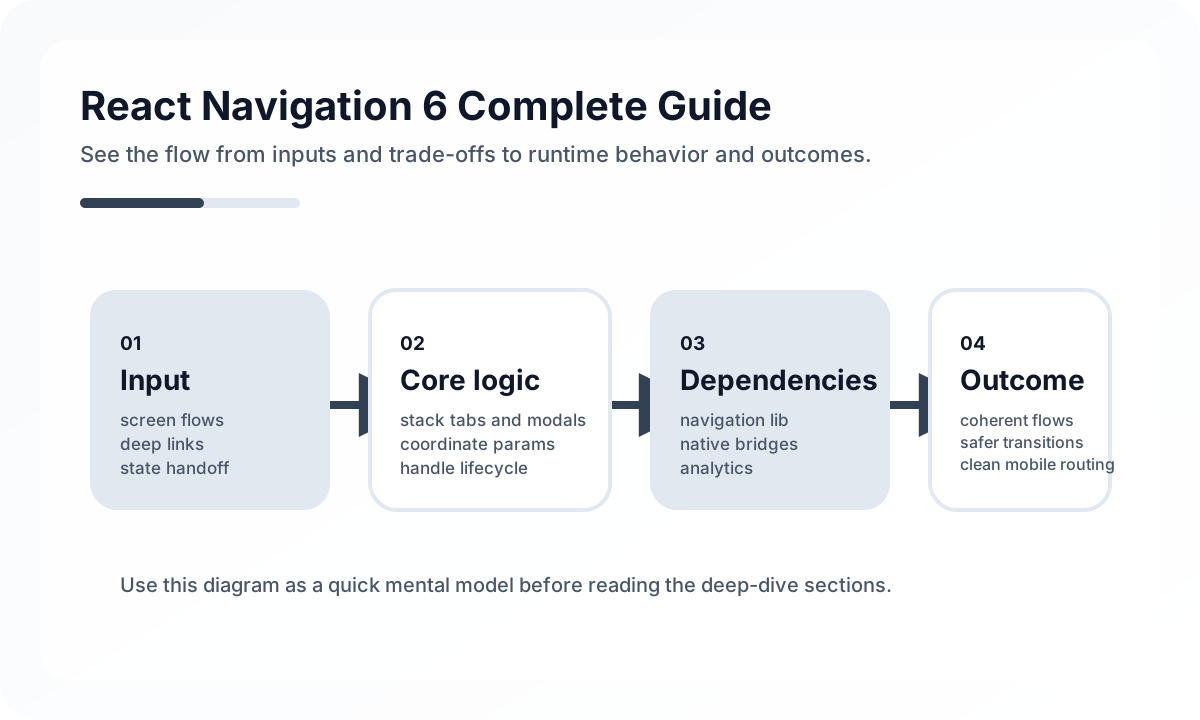
Design Navigation Around User Journeys
Start from journeys, not navigator types.
- onboarding and auth recovery
- main daily-use areas
- task-focused detail flows
- exceptional paths such as permissions, re-auth, and errors
Once those are clear, choosing stack, tabs, drawer, or modal patterns becomes easier and less arbitrary.
Keep Route Structure Close to Feature Structure
One common mistake is centralizing every route in one giant file while features evolve independently. That makes deep links, permissions, and analytics harder to manage. A healthier model gives each feature ownership over its route contract while preserving a shared top-level shell.
This keeps:
- feature boundaries readable
- parameter contracts explicit
- navigation analytics easier to maintain
- test coverage more targeted
Deep Linking and Restore Behavior Matter
Production navigation has to survive push notifications, universal links, expired auth, and app restarts. If a user opens a deep link into a protected screen, the app needs a clear recovery path, not just a redirect loop.
Teams should define:
- which routes are public or protected
- what happens when required params are missing
- how navigation restores after process death
- how modals and nested stacks behave on back actions
Avoid Over-Nesting
Nested navigators are powerful but easy to overuse. If a flow becomes hard to reason about, the problem is usually not React Navigation itself. It is that the information architecture has become too clever.
A Healthy Navigation Review
Before shipping, check:
- deep links open the intended state
- back behavior matches platform expectations
- auth boundaries are explicit
- analytics and screen naming are stable
- users can recover from interrupted flows without losing context
Good navigation feels invisible because the structure is doing its job. That invisibility is usually the result of careful architecture, not minimal code.
Continue Reading
Related posts
Getting Started with Mobile Apps Using React Native + Expo
How to start a React Native app quickly with Expo. Covers project setup, navigation, styling, native feature access, and deployment with practical examples.
📱 MobileMobile App Performance Optimization: A Practical Guide for React Native and Flutter
How to optimize performance in React Native and Flutter apps. Covers rendering optimization, image optimization, list performance, memory management, and bundle size reduction.
💬 LanguageTypeScript Utility Types: A Practical Guide
A production-focused guide to TypeScript utility types. Learn how to model DTOs, update payloads, selectors, and derived types without making your type layer harder to read.
💬 LanguageModern JavaScript Syntax Through ES2024
A practical guide to modern JavaScript syntax through an engineering lens. Learn which ES2024-era features genuinely improve code quality and which ones still need restraint.
Next Path