PWA Complete Guide: Install a Web App Without an App Store
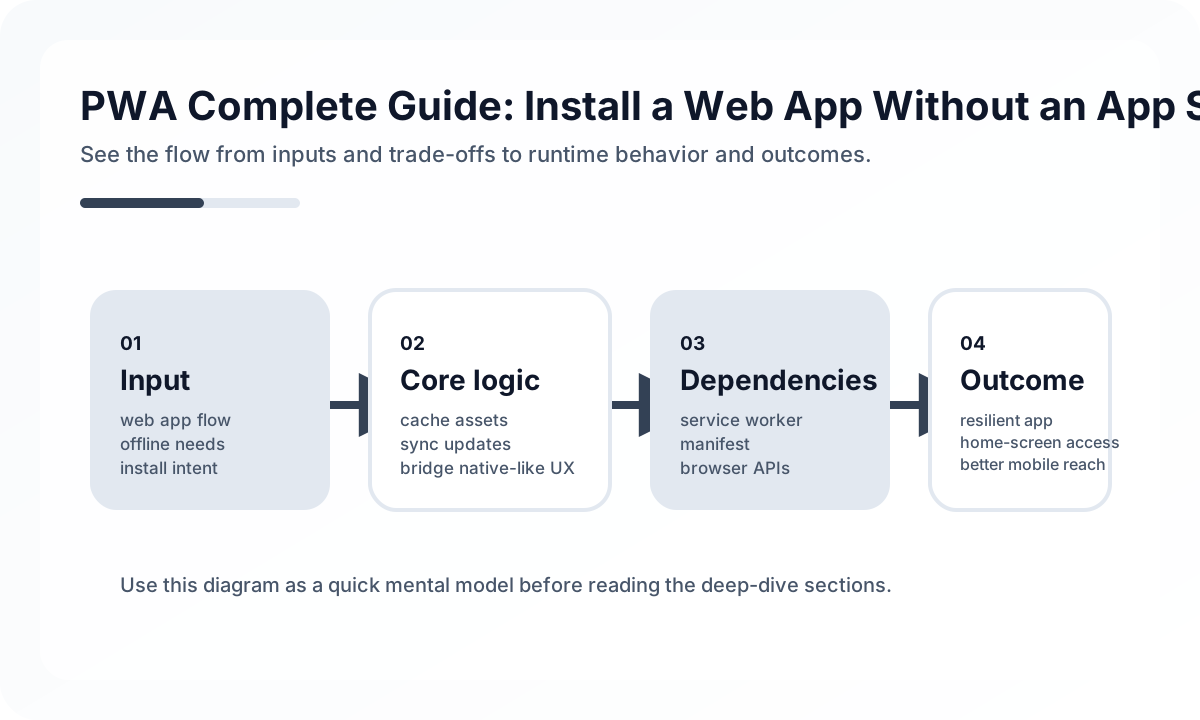
What a PWA Is Good At
A PWA is especially strong when you want:
- low-friction first access from a shared link
- installability without app store dependency
- better repeat engagement for task-focused flows
- offline or degraded-read support for important content
That makes PWAs attractive for dashboards, commerce, education, field tools, and internal operations portals.
Service Workers Need Operational Discipline
The service worker is not just a caching trick. It is a deployment and runtime policy boundary. If caching rules are unclear, teams can easily ship stale assets, inconsistent API behavior, or hard-to-debug update problems.
A useful rule set:
- cache static assets deliberately
- avoid blindly caching authenticated API responses
- define explicit expiration or revalidation strategy
- test update behavior on slow networks and old tabs
The hardest PWA bugs are often update bugs, not rendering bugs.
Offline Must Match Product Truth
Offline support should be honest. If users can browse cached data but cannot submit a transaction, the UI should say so clearly. Fake offline capability creates distrust.
Design for:
- what works fully offline
- what works in read-only mode
- what queues until connection returns
- what must remain online for safety or compliance
Push, Install, and Platform Gaps
PWA capability still varies across browsers and operating systems. Install prompts, push support, background sync, and storage behavior are not identical everywhere. That means product promises must be based on tested platform behavior, not on the broadest marketing story.
When a PWA Is the Right Bet
PWAs win when distribution speed, linkability, and broad reach matter more than deep native integration. If that is your product shape, a PWA can be a very strong mobile channel. But it becomes strong only when caching, updates, and offline expectations are designed as product behavior rather than treated as incidental browser features.
Continue Reading
Related posts
React Navigation 6 Complete Guide
A practical guide to React Navigation 6, the standard navigation library for React Native. Covers Stack, Tab, Drawer, nested navigators, and deep linking.
📱 MobileGetting Started with Mobile Apps Using React Native + Expo
How to start a React Native app quickly with Expo. Covers project setup, navigation, styling, native feature access, and deployment with practical examples.
💬 LanguageTypeScript Utility Types: A Practical Guide
A production-focused guide to TypeScript utility types. Learn how to model DTOs, update payloads, selectors, and derived types without making your type layer harder to read.
💬 LanguageModern JavaScript Syntax Through ES2024
A practical guide to modern JavaScript syntax through an engineering lens. Learn which ES2024-era features genuinely improve code quality and which ones still need restraint.
Next Path