Flutter Widgets Complete Guide: From Layout to State Management
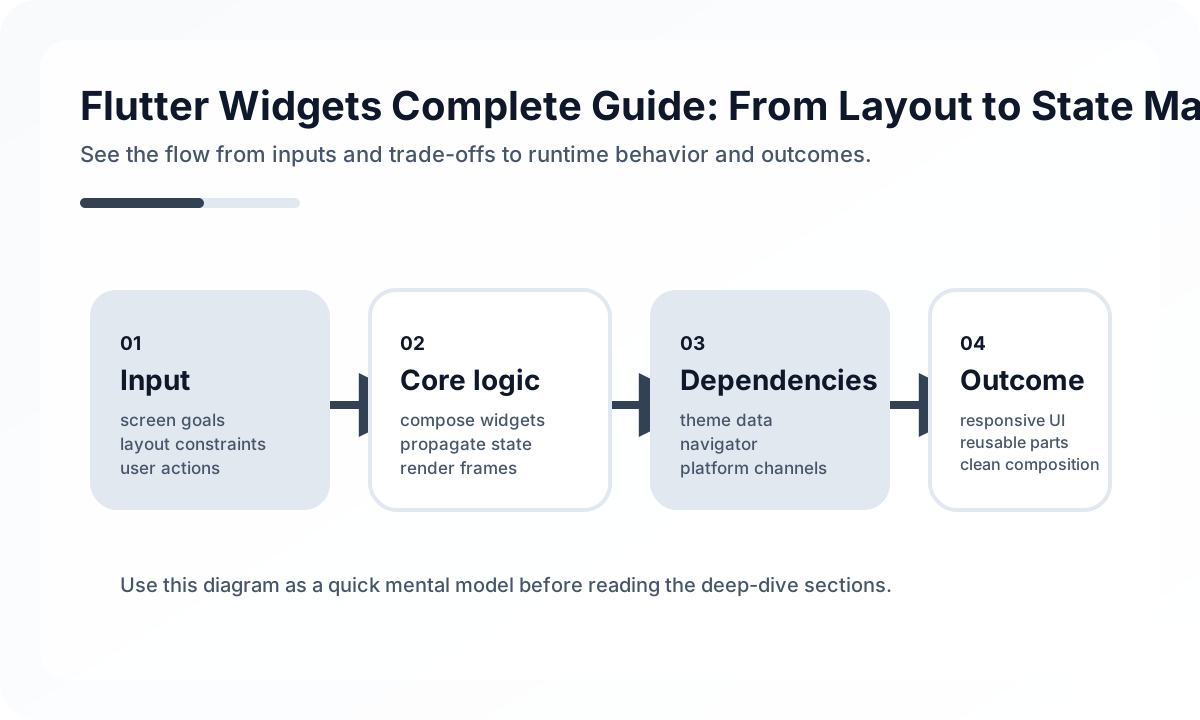
Think in Boundaries, Not in Trees
Beginners often focus on nesting. Production teams focus on responsibility.
A healthy widget structure usually separates:
- design primitives such as buttons, cards, and typography
- feature widgets that assemble domain-specific UI
- screen containers that coordinate state and navigation
If those layers blur together, reuse drops and debugging gets expensive.
Stateless vs Stateful Is the Wrong First Question
The more useful question is: who owns the change?
- If the value belongs only to a tiny UI interaction, local state is often fine.
- If the value affects navigation, persistence, or server interaction, move ownership out of the widget.
- If rebuilding the subtree is expensive, split rendering boundaries rather than prematurely optimizing everything.
Widgets are cheap. Confused ownership is expensive.
Layout Practices That Age Well
Real Flutter apps benefit from a few boring rules:
- keep layout composition shallow where possible
- extract repeated spacing and typography tokens
- use
Expanded,Flexible, and constraints intentionally instead of trial and error - design for long text and localization from day one
- treat list performance as a feature, not a cleanup task
Large lists, forms, and mixed-scroll screens are where weak structure becomes visible fastest.
Keys, Lists, and Rebuild Discipline
Keys are not decoration. They preserve identity during reorder, filtering, and animated updates. Teams often skip keys until forms start losing input state or lists animate incorrectly.
A practical pattern:
ListView.builder(
  itemCount: items.length,
  itemBuilder: (context, index) {
    final item = items[index];
    return OrderRow(
      key: ValueKey(item.id),
      item: item,
    );
  },
);
That small decision prevents a surprising number of UI bugs.
What Production Flutter Teams Review
Before shipping a screen, review:
- whether state ownership is clear
- whether the widget tree matches feature boundaries
- whether lists and forms preserve identity correctly
- whether layout survives rotation, split screen, and long strings
- whether heavy rebuilds are caused by poor structure rather than framework limits
Flutter widgets are powerful because they let teams shape UI as code. The quality of the result depends less on clever widget tricks and more on disciplined ownership and composition.
Continue Reading
Related posts
Mobile App Performance Optimization: A Practical Guide for React Native and Flutter
How to optimize performance in React Native and Flutter apps. Covers rendering optimization, image optimization, list performance, memory management, and bundle size reduction.
📱 MobileFlutter Riverpod 2.0 State Management Complete Guide
A practical guide to Riverpod 2.0 for Flutter state management. Covers provider types, Notifier, AsyncNotifier, dependency injection, and code generation.
📚 IT StoriesSteve Jobs and the iPhone Reset of Computing
The iPhone was not just a successful device launch. It changed how people touched, imagined, and carried computing itself.
📚 IT StoriesHow Android Became the Mainstream Mobile Platform
As the phone industry shifted from device-centric products to app-centric platforms, Android spread with remarkable speed. This is the story of why.
Next Path