Terraform and AWS Infrastructure Design Guide
The state file is the core of Terraform
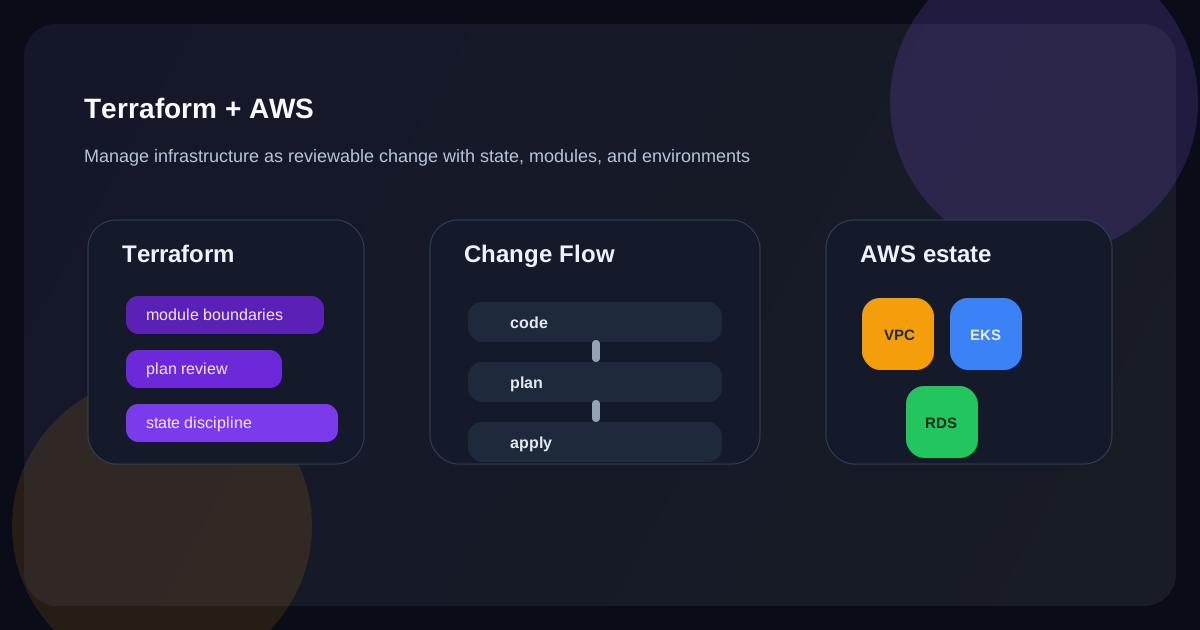
More important than terraform apply is where state lives and how it is protected. If you depend on a personal local file, collaboration becomes difficult and conflicts and drift happen more often. In most cases, you want a remote backend together with a locking strategy.
In modularization, boundaries come before reuse
It is easier to read a setup when VPC, ECS, RDS, and S3 are separated by responsibility instead of being stuffed into one file. But if you split too aggressively, variables and outputs become tangled and complexity grows. It is usually better to think about operational boundaries before reuse.
Environment separation is not solved by variables alone
If you think of dev, staging, and prod as only variable differences, state pollution and configuration confusion can follow. Whether to use workspaces, separate directories, or separate accounts should be decided based on organizational structure and risk tolerance.
A culture of plan review matters
With Terraform, code review is not enough. plan review matters too. If you do not have a step that clearly shows what will be created, modified, or destroyed, a small variable change can turn into a major outage.
Common mistakes
Teams often fail to manage state files safely, or they mix manual changes with Terraform-managed changes and create growing drift. It is also common to start abstracting modules too early, before the project differences are well understood.
Closing thoughts
The core of the Terraform and AWS combination is change management, more than declarative code itself. If you handle state, modules, environments, and plan review systematically, infrastructure becomes far more predictable and collaboration-friendly than click-driven operations.
What Gets Hard in Production
- Terraform on AWS is valuable because it makes change reviewable, but the real complexity sits in state, module boundaries, and environment promotion.
- Infrastructure code can become safer than click operations or much more dangerous, depending on workflow discipline.
- The failure mode is usually not syntax error; it is destructive correctness with the wrong plan.
Architecture Decisions That Matter
- Protect remote state, locking, and access control before scaling module usage.
- Model environments and accounts around blast radius and ownership, not just naming convenience.
- Use modules to encode stable patterns, not to chase maximum abstraction.
Practical Example
A safe Terraform workflow makes review and plan output first-class:
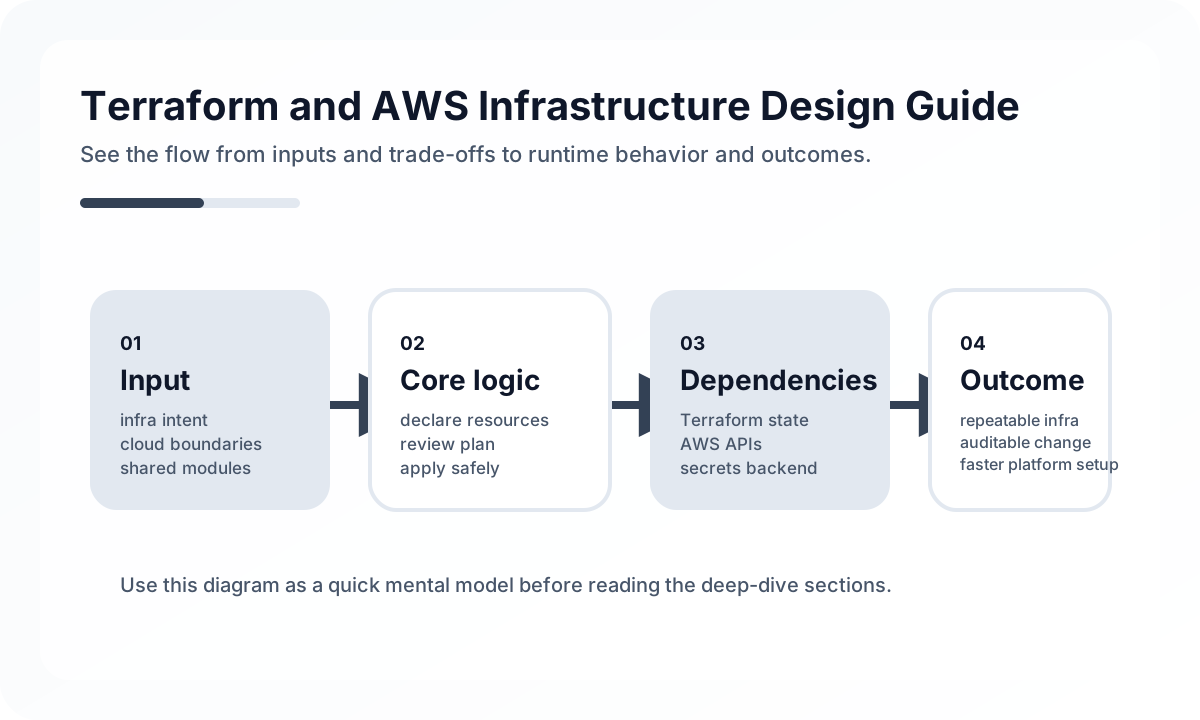
change -> pull request -> terraform plan -> human review -> controlled apply -> drift auditAnti-Patterns to Avoid
- Sharing state loosely or relying on local state files for team workflows.
- Abstracting modules before repeated patterns have stabilized.
- Mixing console changes and Terraform changes without drift control.
Operational Checklist
- Audit state backend security and lock behavior.
- Review plan output in CI for high-risk resource changes.
- Track drift and manual exception frequency.
- Test rollback and import procedures before urgent need.
Final Judgment
Terraform with AWS is fundamentally a change-management system. Teams get the flagship benefit only when state, review, and environment boundaries are stricter than the convenience of making changes.
Continue Reading
Related posts
Kubernetes Advanced Operations — HPA, Resource Management, and Pod Scheduling
This article explains Kubernetes operations not as a collection of settings but from the perspective of resource placement and resilience. It covers when and how to use requests/limits, HPA, affinity, taints, PDBs, and probes in real environments.
🚀 DevOpsControlling Preview Environment Costs
Preview environments accelerate feedback, but without lifecycle rules they can quickly become an expensive form of shadow production.
📚 IT StoriesHow Containers and Kubernetes Changed the Feeling of Deployment
Deployment once felt like a tense event. Containers and Kubernetes helped turn it into something more repeatable, automated, and systematized.
🔧 ToolsDocker Desktop Practical Guide for Managing Development Environments
A practical guide to using Docker Desktop as a local development standard through Compose, volume strategy, resource tuning, Dev Containers, and onboarding design.
Next Path