Building Server Monitoring with Prometheus and Grafana
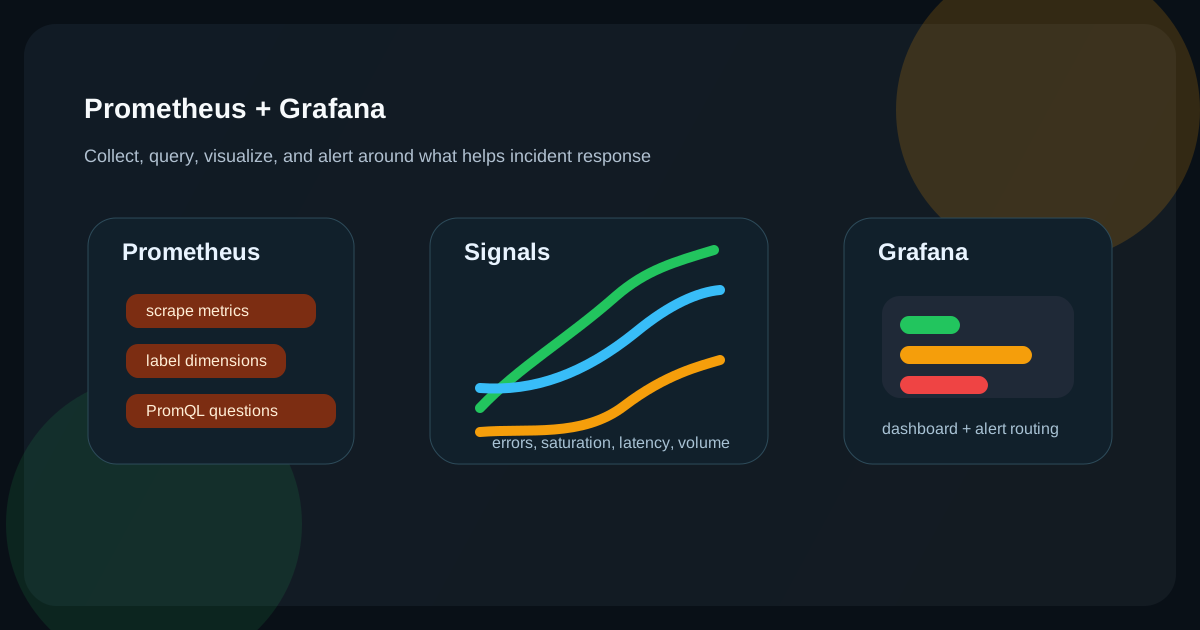
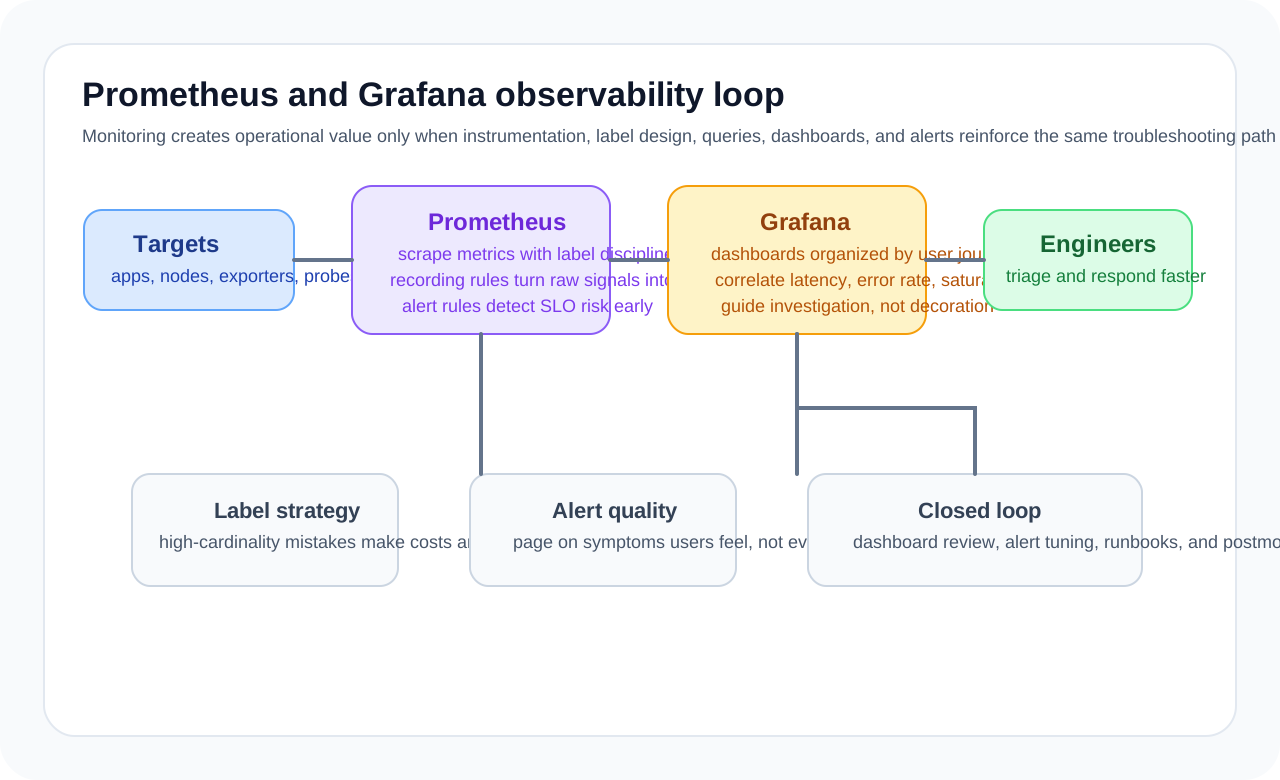
Prometheus and Grafana are a representative combination for implementing that workflow. But there is a difference between running the tools and designing observability. If metric names, labels, scrape intervals, queries, and alert thresholds are poorly designed, you may end up with lots of data that offers little operational value.
The first question to organize: what should be observed
Monitoring does not improve just because you collect more metrics. It is usually easier to think in these layers.
- Infrastructure: CPU, memory, disk, network
- Application: request count, error rate, latency, queue backlog
- Runtime: JVM heap, GC, thread pool, DB pool
- Business: order volume, payment success rate, signup conversion
Good monitoring should therefore show not only whether the system is alive, but also whether the service is actually delivering value correctly.
The smallest reasonable starting point
services:
  prometheus:
    image: prom/prometheus:latest
    ports:
      - "9090:9090"
    volumes:
      - ./prometheus.yml:/etc/prometheus/prometheus.yml

  grafana:
    image: grafana/grafana:latest
    ports:
      - "3000:3000"
    environment:
      - GF_SECURITY_ADMIN_PASSWORD=admin
    volumes:
      - grafana_data:/var/lib/grafana
    depends_on: [prometheus]

volumes:
  grafana_data:
This setup is enough as a starting point. But in practice, more important questions come immediately after installation.
- Which targets will be scraped, and how often?
- How will label cardinality be controlled?
- What should trigger alerts?
- Who looks at which dashboard, and for what purpose?
Scrape configuration is a balance between cost and resolution
global:
  scrape_interval: 15s

scrape_configs:
  - job_name: 'spring-app'
    static_configs:
      - targets: ['host.docker.internal:8080']
    metrics_path: '/actuator/prometheus'
Shorter scrape intervals provide finer detail but increase storage cost. Longer intervals reduce cost but can miss spikes. That makes scrape interval less of a technical setting and more of a balance between operational cost and observability resolution.
Spring Boot Actuator is a good start, but often not enough
<dependency>
  <groupId>org.springframework.boot</groupId>
  <artifactId>spring-boot-starter-actuator</artifactId>
</dependency>
<dependency>
  <groupId>io.micrometer</groupId>
  <artifactId>micrometer-registry-prometheus</artifactId>
</dependency>management:
endpoints:
web:
exposure:
include: health,info,prometheus,metrics
metrics:
tags:
application: ${spring.application.name}Micrometer plus Actuator already gives you many useful baseline metrics. But the metrics that matter most in production usually come from the application’s own domain behavior.
- Number of orders created
- Count of payment failures by reason
- Kafka lag
- External API fallback count
- Batch processed count and failure rate
So baseline metrics are only the foundation. Real operational quality depends on how well domain metrics are defined.
For custom metrics, meaning matters more than naming
@Component
@RequiredArgsConstructor
public class OrderMetrics {

    private final MeterRegistry registry;

    public void recordOrder(String status) {
        registry.counter("orders.created", "status", status).increment();
    }
}
Before creating a custom metric, it helps to ask:
- Will this number actually support an operational decision?
- Could the label values explode?
- Is a cumulative counter right here, or should this be a gauge or histogram?
In particular, putting high-cardinality values such as user IDs or order IDs into labels is very dangerous. Prometheus can struggle badly under that kind of cardinality explosion.
PromQL is not just numeric lookup, but a way to express questions
rate(http_server_requests_seconds_count[1m])rate(http_server_requests_seconds_sum[5m])
/
rate(http_server_requests_seconds_count[5m])jvm_memory_used_bytes{area="heap"}
/
jvm_memory_max_bytes{area="heap"}The core of PromQL is not memorizing query syntax. What matters more is being able to translate operational questions into metrics.
- How much has request rate increased over the last 5 minutes?
- Is tail latency getting worse, not just the average?
- Has a particular status code spiked beyond normal?
- Is JVM heap pressure worsening together with GC behavior?
Monitoring is therefore not mainly a graph-reading skill. It is the ability to turn good operational questions into system data.
Different dashboards serve different people
If you create only one Grafana dashboard and expect everyone to use it, it quickly becomes too complex. It is usually better to divide dashboards by audience and purpose.
- Executive or service-status dashboard: core KPIs, availability, error rate
- Operations dashboard: request rate, latency, infrastructure state
- Service-specific dashboard: DB pool, JVM, queues, external APIs
- Incident analysis dashboard: detailed labels, per-pod comparison, impact of recent deployments
A good dashboard is therefore not one that shows everything. It is one that helps a specific role make decisions quickly.
For alerting, trust matters more than sensitivity
Many teams enable too many alerts early on. That usually leads to alert fatigue, and eventually nobody trusts the alerts anymore.
Good alert thresholds usually share these characteristics.
- They fire only when action is actually required.
- They focus on sustained patterns, not temporary spikes.
- They consider combinations of signals, not only a single metric.
- They connect directly to service impact.
For example, p95 latency increase + rising error rate + HPA saturation is often far more valuable operationally than a CPU-above-90-percent alert by itself.
Common anti-patterns
- Plenty of metrics, but no service KPI
- Label cardinality is too high
- Dashboards look impressive, but alert criteria are vague
- Teams watch only average response time and miss tail latency
- Imported dashboards are left uncustomized for the actual team context
In particular, importing a Grafana dashboard ID is not enough. You still need to redesign the questions around your own service structure.
When Prometheus and Grafana are especially strong
- Time-series-metric-based operational monitoring
- Mixed Kubernetes and VM monitoring
- Situations where you want application and infrastructure metrics in one place
- Teams that want per-service and per-team dashboards and alerting
On the other hand, if you try to solve log search, tracing, and event analysis with Prometheus alone, you will run into limits. Metrics are only one part of observability.
Closing thoughts
The value of Prometheus and Grafana lies less in the tools themselves and more in the fact that they help you design, in a structured way, what state to observe and what questions the system should answer.
Good monitoring is not about putting more graphs on screen. It is about detecting incidents faster, narrowing the cause faster, and understanding service health more clearly. In the end, what matters more than installation is translating metrics and dashboards into the language of operations.
What Gets Hard in Production
- Prometheus and Grafana are effective when metric design is tied to service health questions rather than dashboard decoration.
- Cardinality growth, scrape cost, and alert noise are the recurring operational traps.
- The challenge is not collecting everything, but collecting the right things economically.
Architecture Decisions That Matter
- Design metrics around user impact, saturation, errors, and throughput.
- Keep labels bounded and meaningful to control cost and query usability.
- Build dashboards that support diagnosis paths, not just visual density.
Practical Example
A solid service metric set often follows a small core pattern:
http_requests_total
http_request_duration_seconds
background_jobs_inflight
queue_lag_seconds
Anti-Patterns to Avoid
- Creating high-cardinality labels from user IDs, raw paths, or request IDs.
- Building dashboards with dozens of charts and no response workflow.
- Treating alert thresholds as fixed forever.
Operational Checklist
- Review cardinality hotspots and query performance.
- Tune alert thresholds using incident evidence.
- Version dashboard ownership and changes.
- Test scrape failure and monitoring blind-spot scenarios.
Final Judgment
Prometheus and Grafana are powerful when they support fast operational reasoning. If they become a metrics landfill, the tooling remains impressive while the system stays hard to operate.
Continue Reading
Related posts
Kubernetes Advanced Operations — HPA, Resource Management, and Pod Scheduling
This article explains Kubernetes operations not as a collection of settings but from the perspective of resource placement and resilience. It covers when and how to use requests/limits, HPA, affinity, taints, PDBs, and probes in real environments.
🚀 DevOpsControlling Preview Environment Costs
Preview environments accelerate feedback, but without lifecycle rules they can quickly become an expensive form of shadow production.
📚 IT StoriesHow Containers and Kubernetes Changed the Feeling of Deployment
Deployment once felt like a tense event. Containers and Kubernetes helped turn it into something more repeatable, automated, and systematized.
🔧 ToolsDocker Desktop Practical Guide for Managing Development Environments
A practical guide to using Docker Desktop as a local development standard through Compose, volume strategy, resource tuning, Dev Containers, and onboarding design.
Next Path