Linux Server Security Operations Guide
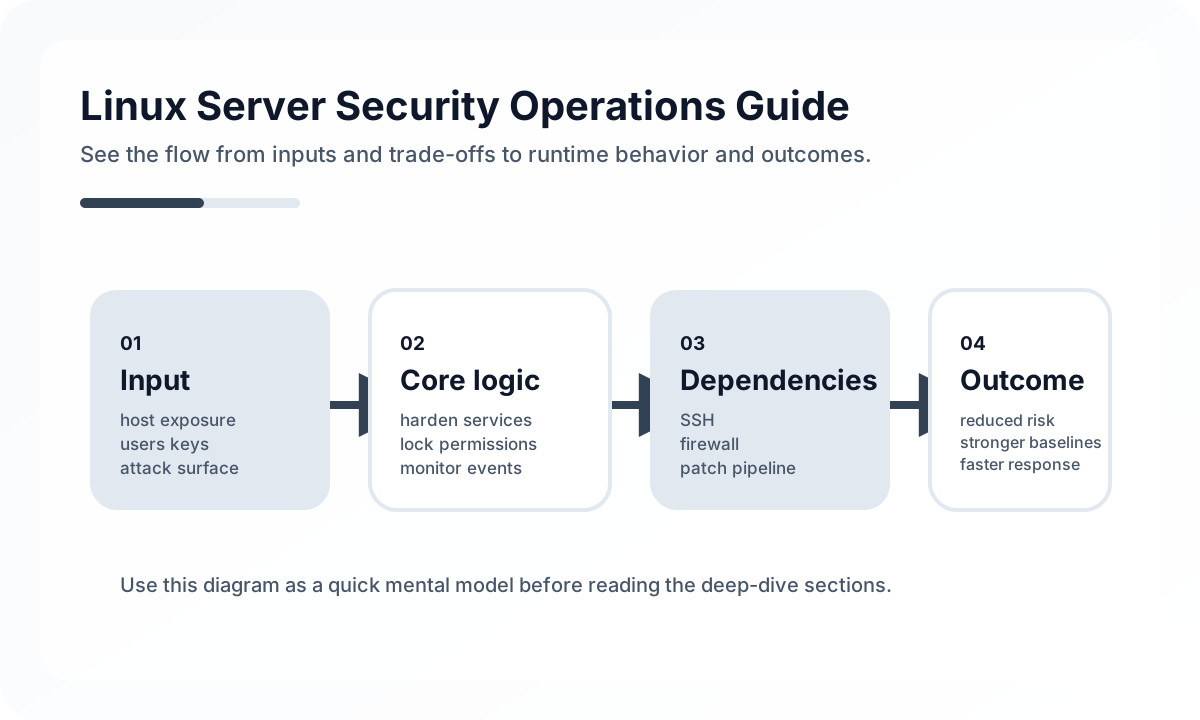
SSH is the first entry point to audit
Changing the default port alone does not make a server secure, but disabling direct root login, using key-based authentication, limiting attempts, and minimizing who can log in still matter.
# /etc/ssh/sshd_config
PermitRootLogin no
PasswordAuthentication no
PubkeyAuthentication yes
MaxAuthTries 3
Least privilege is the core principle
It is better to separate application accounts, deployment accounts, and operator accounts. Handling everything through one sudo-capable account may be convenient, but it also increases the blast radius of mistakes and incidents.
Patching and package hygiene are the first line of defense
If old kernels and packages are left unattended, even simple vulnerability exploitation can cause incidents without any sophisticated attack chain. Removing unnecessary services and packages and making updates part of operating policy is a better baseline.
Expose only the network surface you actually need
Firewall rules are safer when built around an allowlist model. SSH, application ports, and monitoring ports all need explicit exposure boundaries, and you should remain conscious of the distinction between internal and external networks.
Without logging and monitoring, response is delayed
You need visibility into signals such as authentication failures, sudo usage, service restarts, unusual process execution, and sudden disk growth. Tools like fail2ban help, but what matters more is knowing which logs are reviewed, where, and by whom.
Common mistakes
Many teams configure security during initial setup and then assume the job is done. In reality, SSH key rotation, account cleanup, package updates, and firewall review all need to be repeated regularly. And without backups, recovery after a security incident becomes extremely difficult.
Closing thoughts
Linux server security is less about one-time hardening and more about steady operational discipline. When least privilege, patching, firewalls, logging, backups, and account management become repeatable procedures, servers become significantly safer.
What Gets Hard in Production
- Linux server security is a discipline of reducing attack surface, not a checklist of one-time hardening commands.
- Many incidents happen through ordinary paths: exposed services, weak credential handling, stale packages, and poor auditability.
- Security weakens quickly when operational convenience is allowed to bypass policy silently.
Architecture Decisions That Matter
- Minimize installed packages, exposed ports, and interactive access paths.
- Use strong SSH policy, least privilege, and explicit sudo boundaries.
- Treat patching, logging, and secret rotation as continuous operations.
Practical Example
A baseline server posture is small, observable, and tightly controlled:
disable password SSH
allow only key-based login
restrict sudo roles
enable firewall
ship auth and audit logs centrally
Anti-Patterns to Avoid
- Keeping unused services enabled because they might be needed later.
- Sharing privileged accounts across operators.
- Assuming cloud perimeter controls replace host-level hardening.
Operational Checklist
- Review user accounts, sudo rights, and SSH exposure regularly.
- Patch OS and security packages on a defined cadence.
- Centralize logs and alert on suspicious access.
- Test restore and incident response procedures, not only prevention controls.
Final Judgment
Server security is strongest when least privilege and auditability are designed into daily operations. Ad hoc hardening without operational follow-through decays quickly.
Continue Reading
Related posts
Build Provenance and Deployment Gate Operations
Supply-chain security is not complete when an attestation exists. It matters when provenance becomes part of deployment policy.
🚀 DevOpsSoftware Supply Chain Attestations in CI/CD
A practical introduction to SBOMs, provenance, attestations, and release verification for teams hardening modern delivery pipelines.
📈 TrendsWhy Kubernetes User Namespaces by Default Matters
The shift toward user namespaces being enabled by default is more than a small Kubernetes option change. It signals stronger container isolation expectations.
📚 IT StoriesHow Containers and Kubernetes Changed the Feeling of Deployment
Deployment once felt like a tense event. Containers and Kubernetes helped turn it into something more repeatable, automated, and systematized.
Next Path